
Speaking practice
Say it like Momo: listen, record, hear yourself
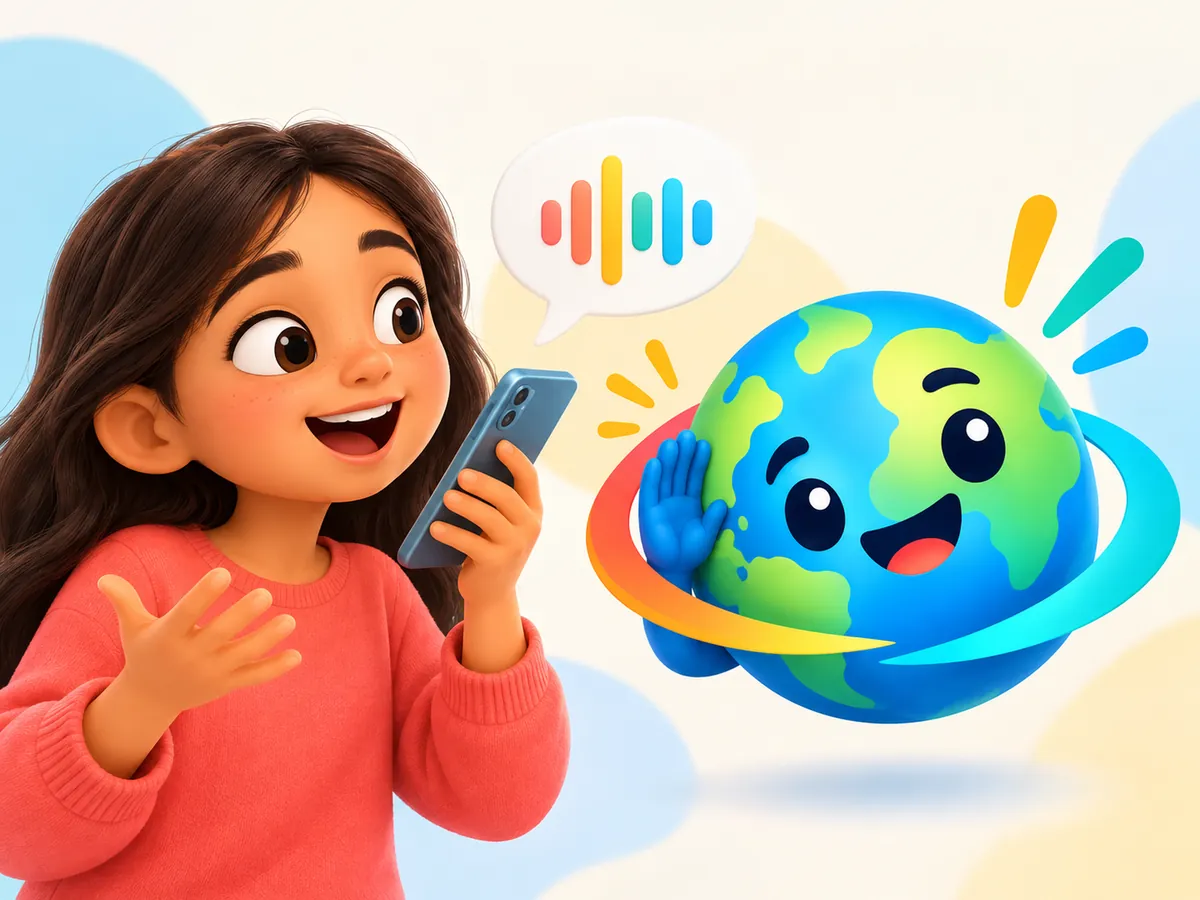
Practise speaking out loud, one word or phrase at a time. Tap to hear it in a clear AI voice, hold the microphone button and say it, then play yourself back, or hear your take again as a chipmunk, a slow giant, a robot or a kitty. Nothing is scored, and your recording never leaves your device.
How it works
Four steps from listening to hearing yourself
Pick a word or phrase
Tap the Say it like Momo tile on the app's Home screen and pick one of 40 starter words from the picture strip: all 18 greetings and phrases, like "Hello", "Thank you" and "What's your name?", plus family, animal and food words. Or open any deck and tap Say it to practise the card you are on.
Listen
Tap the speaker to hear the word in a clear AI voice, then the same word in your own language: English by default, or one of 11 others you pick under "I speak". The card shows both, with a pronunciation hint.
Hold to record
Press and hold the microphone button, say it, then let go.
Hear yourself
Tap play to hear your own voice. Not happy with it? Hold the microphone button and record again.
Silly voices
Hear yourself as a chipmunk, a slow giant, a robot or a kitty
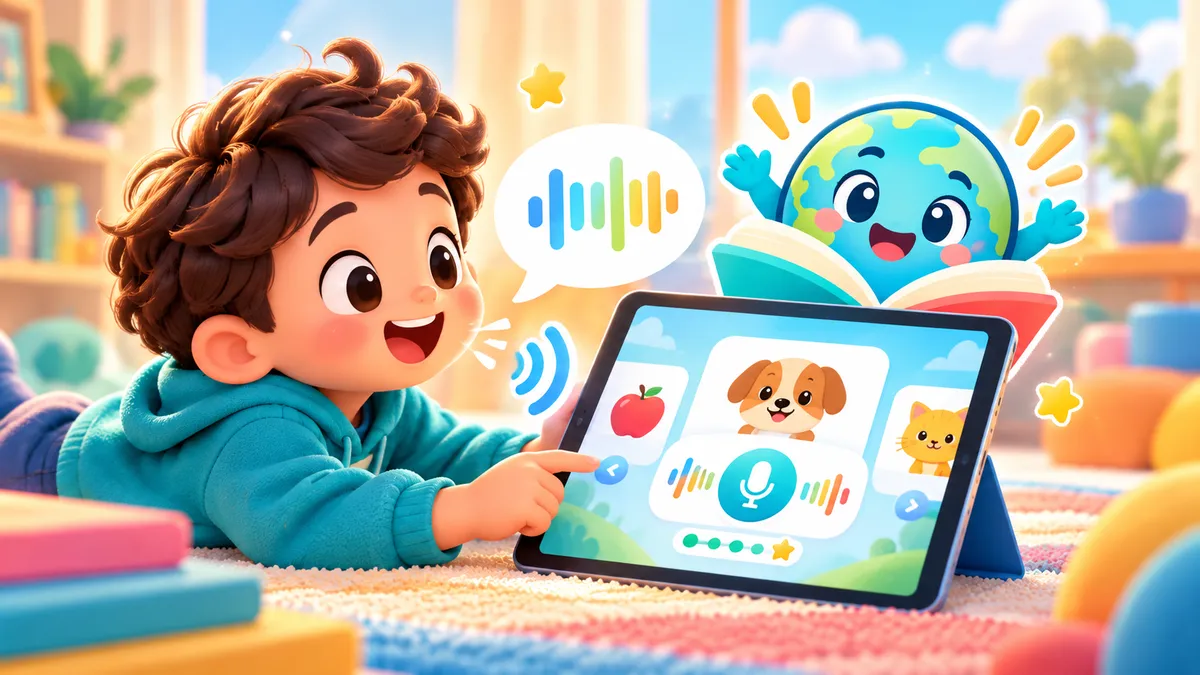
After your first recording, four silly voice buttons appear. Each one plays your own take back with a twist. It is a playful reason to say a word one more time.
- Chipmunk. Your voice, sped up and squeaky.
- Slow giant. Your voice, slowed right down and deep.
- Robot. Your voice with a wobbly robot buzz.
- Kitty. Your voice slides up and down like a meow, then finishes with a little meow of its own.
No pressure
No scores, no grades, just practice
Nothing to pass
The app never judges what you say. There is no score to beat and nothing checks your accent: your own ear decides.
You decide
Play the AI voice and your own take as often as you like, then record again or pick another word. How many tries is up to you.
Stickers for having a go
Every fifth recording unlocks a sticker in My Stickers, until all 40 are collected. It rewards trying, not getting it perfect.
Privacy
Your voice stays on your device
Here is what happens to your voice when you practise.
Never uploaded
Recordings are never uploaded or saved to a server. They stay in your browser's memory.
Gone when you reload
Reload the app and your take is gone. Only one take exists at a time, so old recordings never pile up.
Effects made on the device
Silly voices are made by your browser on your own device, not on a server.
Microphone only with your permission
Recording needs your permission to use the microphone. Without it, you can still listen and repeat out loud.
Ages and languages
From age 2 to grown-up, in all 11 languages
- All three age modes have Say it like Momo and the silly voices: Little Explorer (2 to 5), Big Kid (6 to 12) and Teens and Grown-ups (13+). You pick the age mode yourself and can change it any time.
- In every mode it is a tile on the Home screen and a Say it button on every deck. In Little Explorer the microphone and play buttons are bigger, for small hands.
- It works in all 11 languages: Arabic, French, Spanish, Mandarin, Portuguese, German, Hindi, Russian, Polish, Bengali and Korean. Arabic learners practise in the version they picked, Lebanese or Standard Arabic (Fusha).
- Mandarin hints are written in pinyin without tone marks, so listening closely matters.
- It runs in a modern web browser on phone, tablet or computer. Recording needs a browser that supports it.
Good moments to practise
Kids, teens, grown-ups and travellers
Kids 6 to 12
Say an animal or food word, then play it back as a robot or a kitty. Try "Monkey" or "Ice cream" first.
Learn moreTeens
Record everyday phrases like "Good morning", "Sorry" and "Let's go!", play them back and try again until you like how they sound.
Learn moreGrown-ups
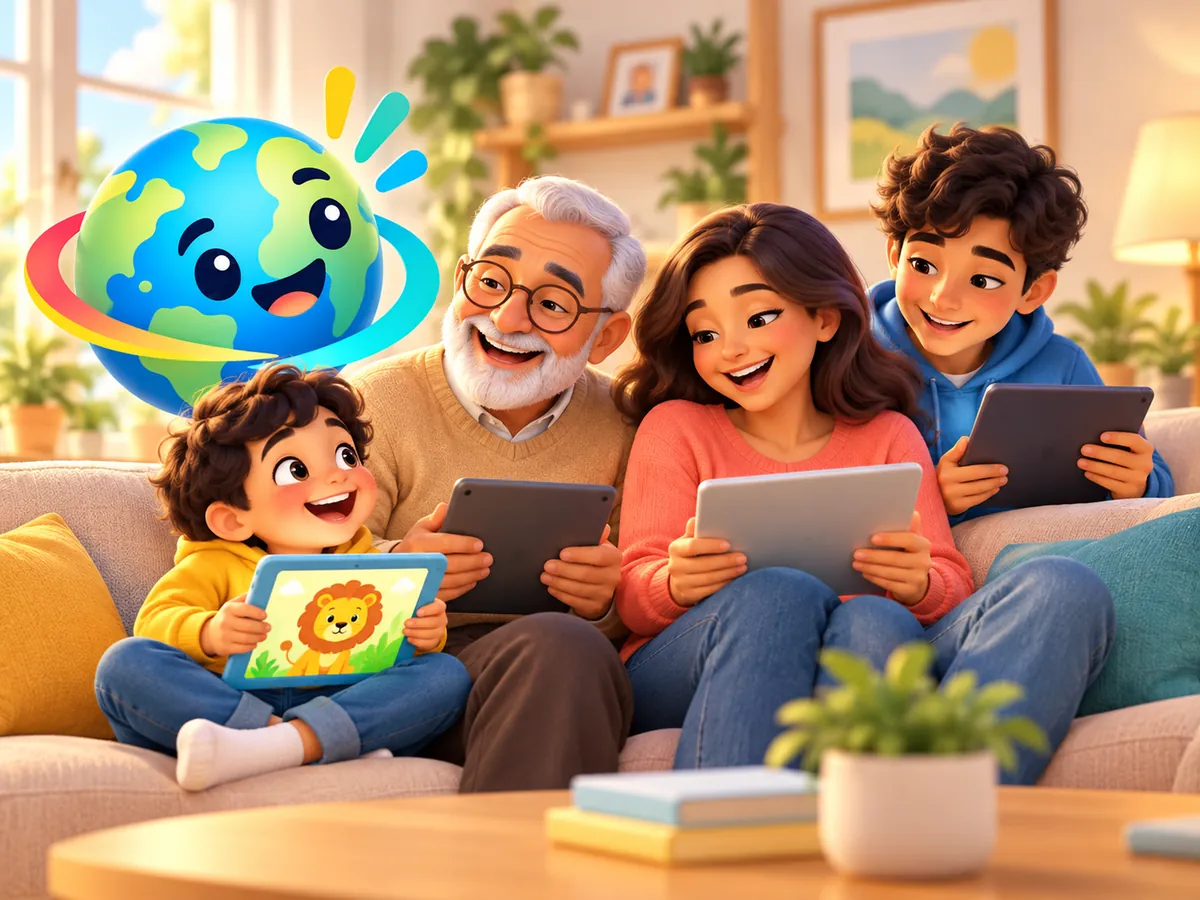
Rehearse greetings and family words like "Grandma" and "Grandpa" in a heritage language before a family call, then play them back to hear how you sound.
Learn moreBefore a trip
Open the Travel Phrases deck, go to "Where is the bathroom?" or "I need a taxi", tap Say it and practise it out loud.
Learn moreThe reading tutor has its own microphone
In the English reading tutor (Kindergarten to Grade 3), a child reads aloud. Its microphone stays off until a grown-up turns it on for that device in the Grown-ups area. Once it is on, the child can replay each take with "Hear yourself" as often as they like before moving on, and those recordings are never uploaded either. More about Reading
Questions
Speaking practice questions
Does the app check or score my pronunciation?
No. There is no speech recognition, no pronunciation scoring and no accent check anywhere in the app. You hear a clear AI voice, record yourself and listen back, and you decide when it sounds right.
Where do my recordings go?
Nowhere. They stay in your browser's memory and are never uploaded or saved to a server. Each new take replaces the last, and the take is gone when you reload the app.
Which words can I practise?
Say it like Momo opens with the same 40 starter words in every language: all 18 greetings and phrases, plus 22 family, animal and food words. For anything else, open one of the 15 decks and tap Say it. That works for all 227 words and phrases. The 16 travel phrases are in Big Kid and Teens and Grown-ups modes, where Travel Phrases is one of the decks.
Which age modes have speaking practice?
All three: Little Explorer (2 to 5), Big Kid (6 to 12) and Teens and Grown-ups (13+), in all 11 languages. In Little Explorer the microphone and play buttons are bigger, for small hands. To change modes, tap the age button in the app's header at any time.
What do I need to record?
A modern web browser that supports recording, on a phone, tablet or computer, and permission to use the microphone. If your browser cannot record, the app tells you, and you can still listen and repeat out loud.
Whose voice do I hear?
Every word has its own pre-made audio clip, spoken by a clear AI (neural) voice. Spanish uses a Mexican voice and Portuguese a Brazilian voice. Lebanese and Standard Arabic (Fusha) each have their own voice.
How much does it cost?
Speaking practice is included in the free 90-day trial, along with the rest of the app, and no card is needed. Paid plans are coming soon (see the planned prices). Until then, membership after the trial is set up by hand on request.

Try Say it like Momo free for 90 days
Create your account, choose any age mode, pick a language and open Say it like Momo. No card needed.